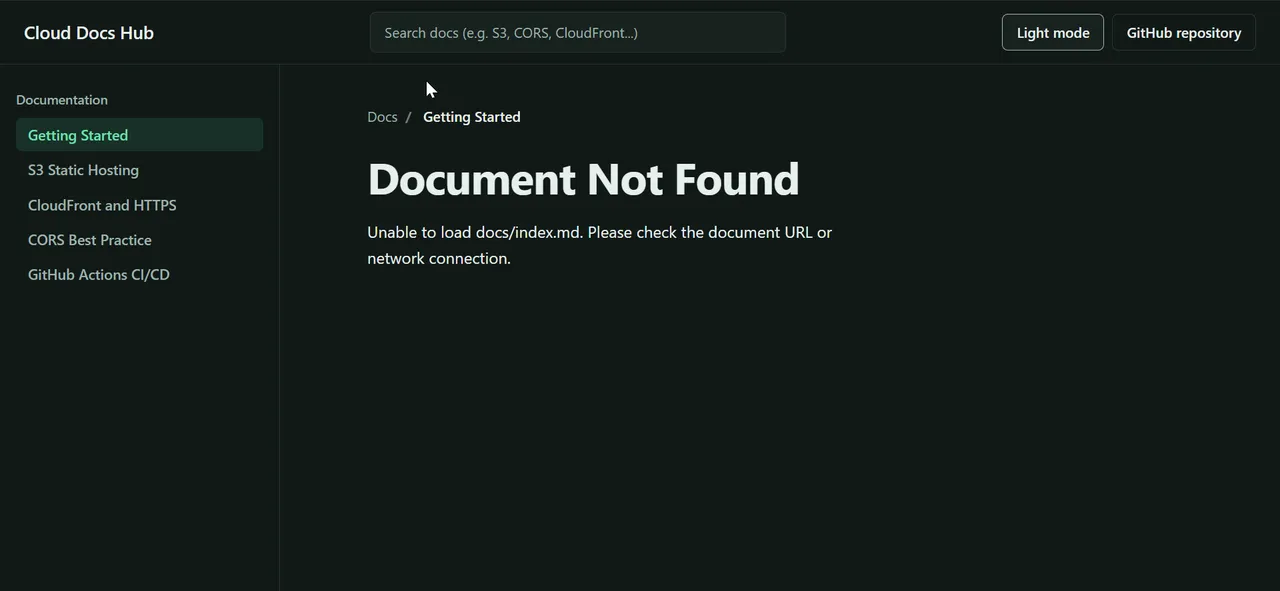
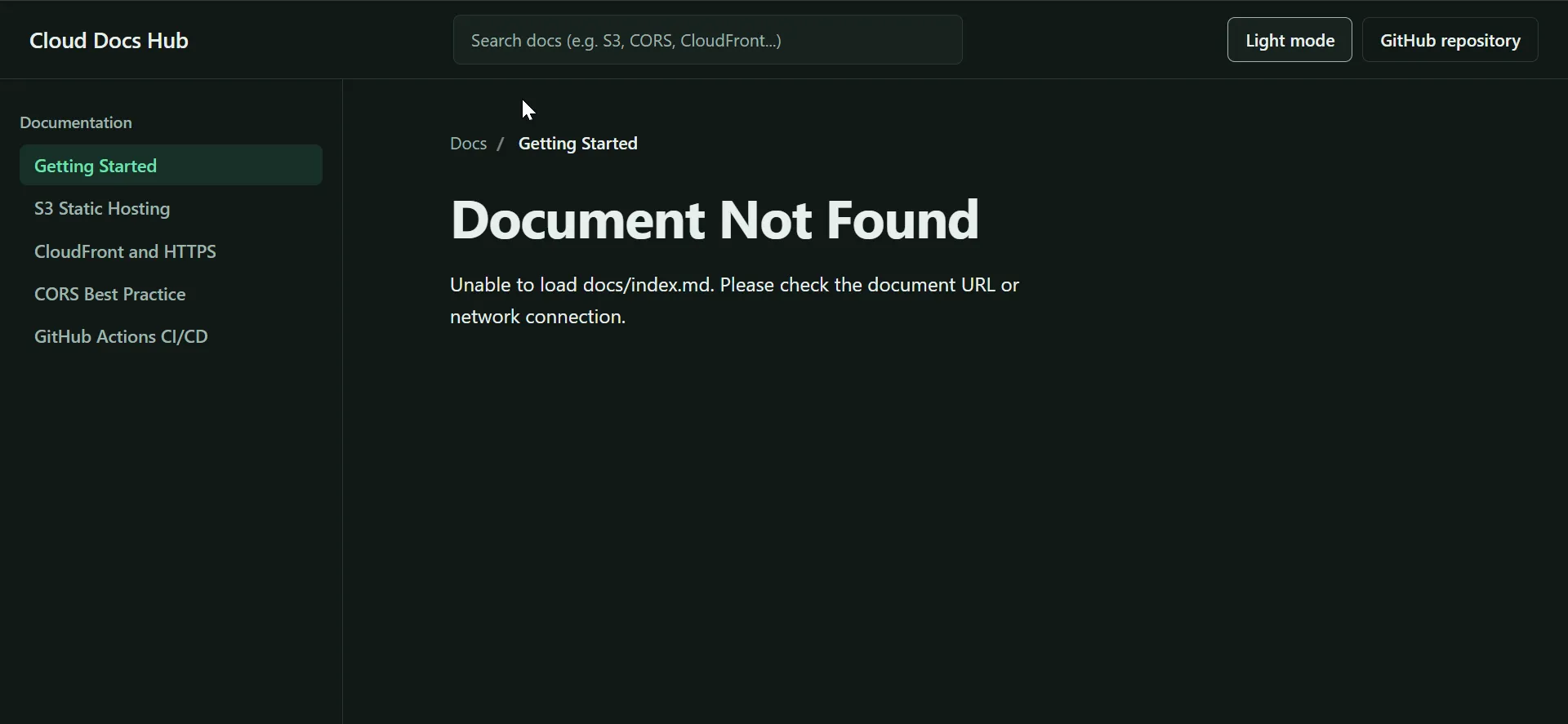
Overview
Cloud Docs Hub is a small documentation site that is hosted on S3 and deploys itself. Merging to main publishes the site, and no long-lived AWS access keys are stored anywhere.
- Problem: manually uploading a static site to S3 is slow and error-prone, and the usual CI shortcut is to keep AWS access keys in GitHub secrets.
- Solution: a static viewer with no build step and no dependencies, plus a GitHub Actions workflow that assumes an AWS IAM role through OIDC and syncs the files to S3.
- Result: a merge to
mainis live in about 20 seconds, with short-lived credentials and no stored keys.
Features
- Zero build steps: native HTML5, CSS3 and vanilla JavaScript, so local testing and hosting are simple.
- Client-side hash routing: moves between documentation topics (for example
#index.mdand#s3-setup.md) without reloading the page. - Light and dark themes: the choice is saved in
localStorage, with the system preference as the fallback. - Live search: the sidebar links filter as you type.
- Automated S3 deployment: a GitHub Actions workflow with OIDC authentication syncs the files to the bucket.
Tech stack
| Layer | Tools | Why I chose it |
|---|---|---|
| Frontend | HTML5, CSS cascade layers, vanilla JavaScript | No dependencies and nothing to build or patch |
| Hosting | AWS S3 static website hosting | Cheap, durable static file hosting |
| CI/CD | GitHub Actions | Runs on every push to main |
| Authentication | OIDC with an IAM role | Passwordless access, no stored AWS keys |
Architecture
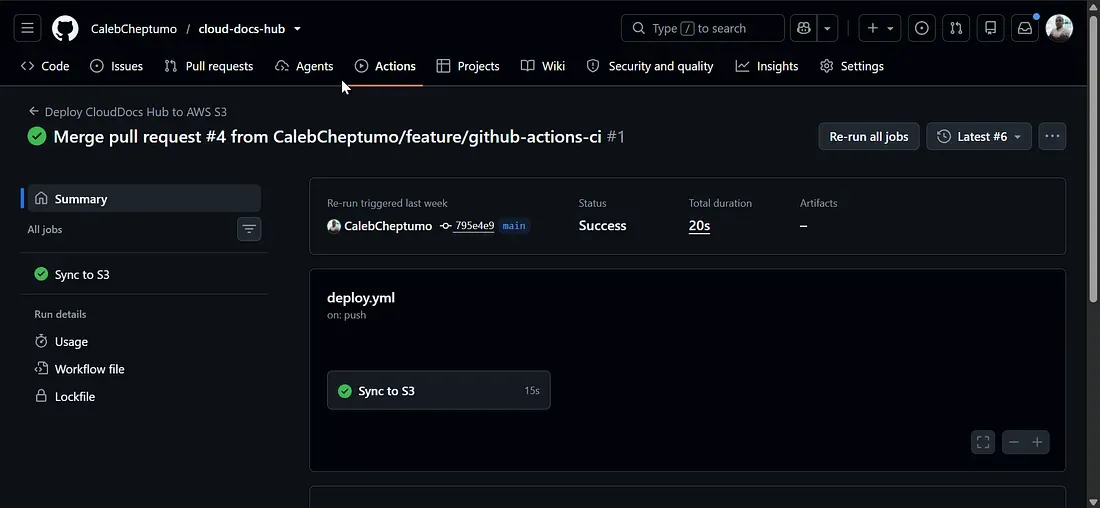
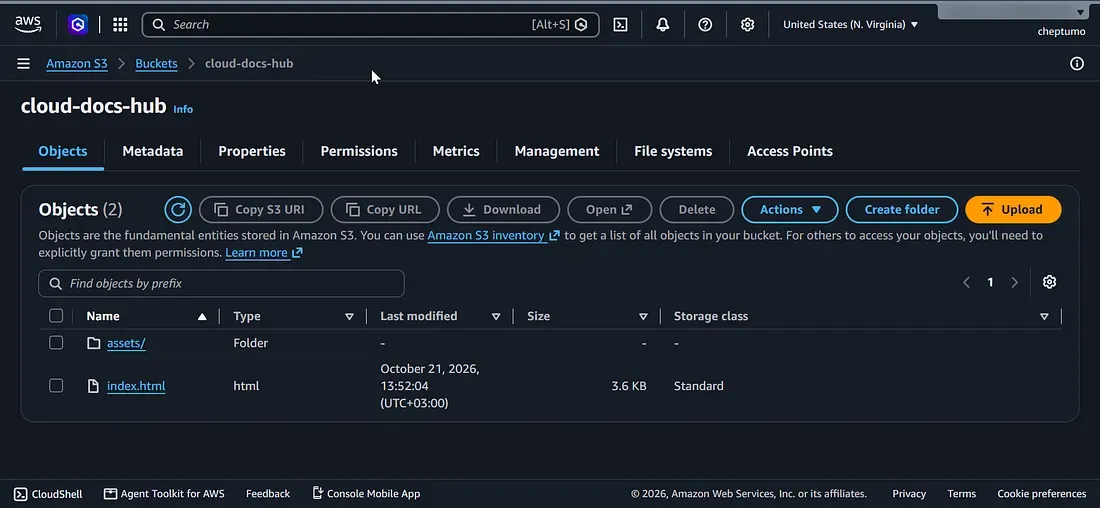
The deployment flow, in order:
- I work on a feature branch and merge a pull request into
main. - The push to
mainstarts the GitHub Actions deploy workflow. - The workflow requests an OIDC token and uses it to assume an IAM role in AWS, which returns short-lived credentials.
aws s3 synccopies the site to the S3 bucket and deletes files that no longer exist in the repository.- Visitors load the site from the bucket’s static website endpoint.
Design decisions
- OIDC instead of access keys: the role trusts GitHub’s identity token, so there is no secret to leak or rotate.
- No build step: the repository contents are exactly what gets deployed, which keeps the pipeline short.
- A dedicated bucket: the sync uses
--delete, so the bucket mirrors the repository and nothing else lives in it. - Public S3 website endpoint: the simplest way to serve a public docs site. The trade-off is plain HTTP and a publicly readable bucket, which is why CloudFront is on the roadmap.
Repository structure
cloud-docs-hub/
├── index.html              Main HTML page shell
├── assets/
│   ├── css/
│   │   └── styles.css      CSS cascade layers: reset, tokens, base, layout, components
│   └── js/
│       └── main.js         Theme switching, hash routing and the Markdown fetcher
├── .github/
│   └── workflows/
│       └── deploy.yml      AWS S3 deployment workflow
└── README.md
Run it locally
Setup
git clone git@github.com:CalebCheptumo/cloud-docs-hub.git
cd cloud-docs-hub
Run
python3 -m http.server 8000Then open http://localhost:8000 in your browser.
Deploy to AWS
The workflow runs on every push to main. I wrote up the full setup, including the IAM trust policy and the workflow, in Automate S3 Deployments with GitHub Actions and OIDC.
Add these repository secrets under Settings > Secrets and variables > Actions:
| Secret | Description |
|---|---|
AWS_ROLE_ARN |
ARN of the IAM role that trusts GitHub Actions through OIDC |
AWS_S3_BUCKET |
Name of the target S3 bucket |
Security
- No stored credentials: GitHub Actions exchanges an OIDC token for temporary AWS credentials on each run.
- Scoped trust policy: the role only accepts tokens whose audience is
sts.amazonaws.comand whose subject matches this repository. - Least-privilege permissions: the role can only list the bucket and put, get and delete objects in it.
- Minimal workflow permissions: the job gets
id-token: writeand read-only access to the repository contents.
Challenges and what I learned
- GitHub’s immutable subject claims. GitHub now adds permanent numeric owner and repository IDs to the
subclaim of new repositories. My first trust policy matched an exact name and failed withNot authorized to perform sts:AssumeRoleWithWebIdentity. Matching withStringLikewildcards fixed it. - Two levels of S3 permissions.
aws s3 syncneedss3:ListBucketon the bucket itself and the object actions on the objects inside it. Listing only one of the two ARNs makes the sync fail. - Lesson: the quickest way to debug OIDC failures is to compare the token’s claims with the trust policy’s conditions.
What’s next
- Write the documentation pages: getting started, S3 setup, CloudFront and HTTPS, CORS, and the CI/CD pipeline
- Put CloudFront and an ACM certificate in front of the bucket for HTTPS, and make the bucket private
- Tighten the trust policy to pin the repository ID and the
mainbranch - Generate a table of contents with anchor links from the rendered Markdown